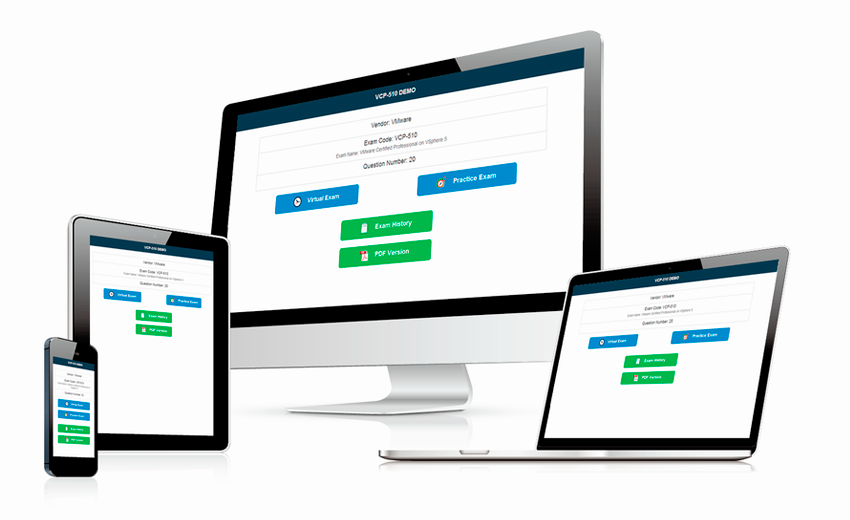
Before you decide on any Microsoft Excel (Excel and Excel 2019) (MO-200日本語版) product in 2026, take the free demo first. On LatestCram it shows you the real question style and each format's interface, so 32 sample practice questions help you judge the fit before spending anything.
Microsoft MO-200日本語 Exam Syllabus Topics:
| Section | Weight | Objectives |
|---|---|---|
| Perform Operations by Using Formulas and Functions | 20-25% | - Calculations and Functions
|
| Manage Worksheets and Workbooks | 10-15% | - Workbook Management
|
| Manage Data Cells and Ranges | 20-25% | - Cell and Range Management
|
| Manage Tables and Table Data | 15-20% | - Table Operations
|
| Manage Charts | 20-25% | - Chart Management
|
MO-200日本語 Exam Questions and Answers
The Microsoft Excel (Excel and Excel 2019) (MO-200日本語版) content is the same across all three formats: a printable PDF, a software engine, and an online engine. The free demo lets you try each interface before buying, so you can pick the one that matches how you study rather than guessing.
The package contains 32 practice questions for the MO-200日本語 exam, all verified by our IT experts. A free demo is available so you can review the style before you buy.
- Perform Operations by Using Formulas and Functions (20-25%)
- Manage Worksheets and Workbooks (10-15%)
- Manage Tables and Table Data (15-20%)
Use the weights above to divide your study time where it matters most.
The engine presents Microsoft Excel (Excel and Excel 2019) (MO-200日本語版) questions in random order, so each session feels like a fresh test rather than a memorized list. After every simulated exam you receive a score, and your errors are clearly marked, which makes it easy to see your weak and strong areas and build a focused study plan.
The real MO-200日本語 exam gives you 50 minutes minutes for Performance-based tasks questions. The engine lets you rehearse under the same kind of time pressure, so pacing decisions become automatic.
To pass MO-200日本語 you need 700/1000, and the official fee is USD $100. Setting the target score early makes it easier to measure your progress in practice tests.
No formal prerequisite exam required. Candidates should have approximately 150 hours of instruction and hands-on experience with Excel 2019.
Microsoft Excel (Excel and Excel 2019) (MO-200日本語版) Sample Questions:
「HistoricalSales」ワークシートに、値の代わりに数式を表示します。
以下の解決策を確認してください。
Correct Answer:
options, advanced. Display options for this worksheet, press show formulas in cells instead of their calculated results.
「連絡先」ワークシートの「電子メールアドレス」列で、機能を使用して、名と「@ humongousinsurance.com」を使用して各個人の電子メールアドレスを作成します。以下の解決策を確認してください。
Reveal Solution Discussion 0Correct Answer:
=LOWER(LEFT(FIRST), LAST), "@domain.com"
「比較」チャートシートで、データを軸に交換します。
以下の解決策を確認してください。
Correct Answer:
Right click and open axis options. Check the box that says values in reverse order.
「作成者」ワークシートの「ボーナス」列で、関数を使用して「500」を表示します。 「販売された本」は10,000を超えています。それ以外の場合は、「100」を表示します。
以下の解決策を確認してください。
Correct Answer:
=IF(books sold>10,000, "500", "100"). Select and drag to apply to other rows
Viewing page 1 out of 8 pages.
Viewing questions 1-4 out of 32 questions.